
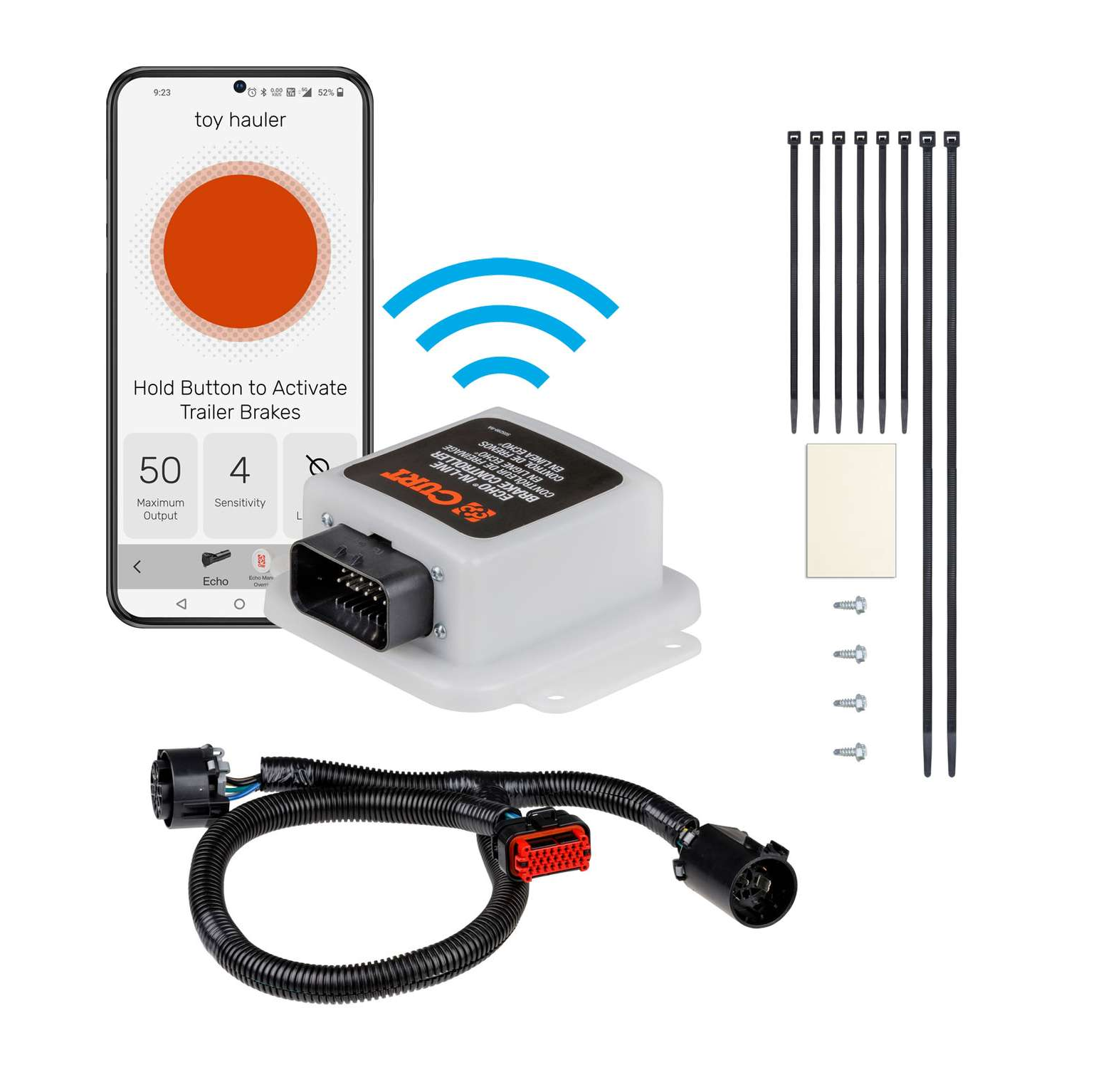
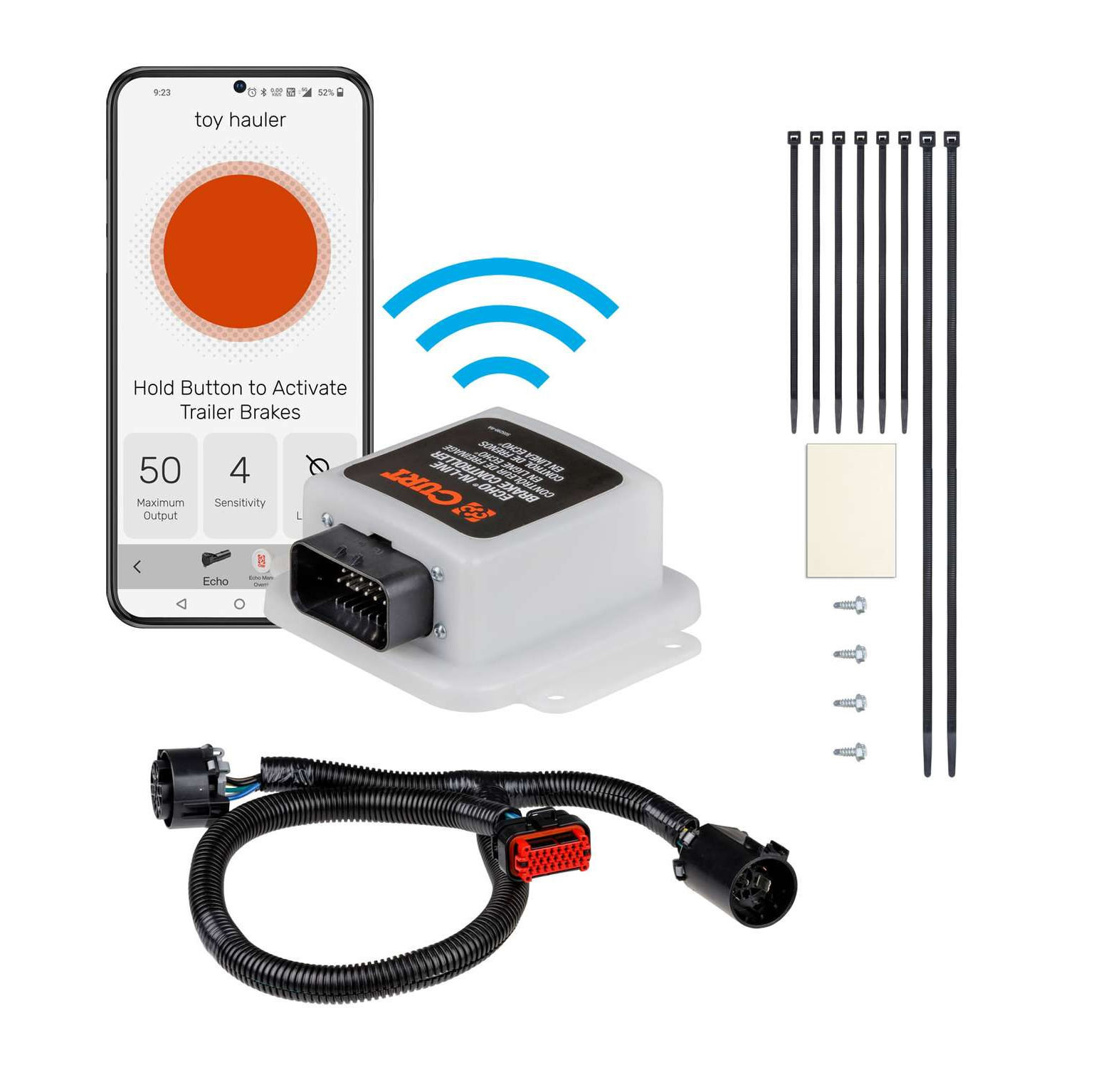
1998-2024 Lincoln Navigator CURT Echo In-Line Bluetooth Trailer Brake ControllerCURT$432.95In Stock
View productOur in-house experts typically reply within one business day.

CURT



Always the correct part
We know our products
Quality Products
Free Shipping!
Always the correct part
We know our products
Quality Products
Free Shipping!
Echo can be used with app alone; button not essential for operation
Includes CR2016 battery
One-year warranty

Includes CR2016 battery
Warranty: One-Year Limited Warranty
Finish: CLEAR PLASTIC COATING
Installation Time Exact (Minutes): 0
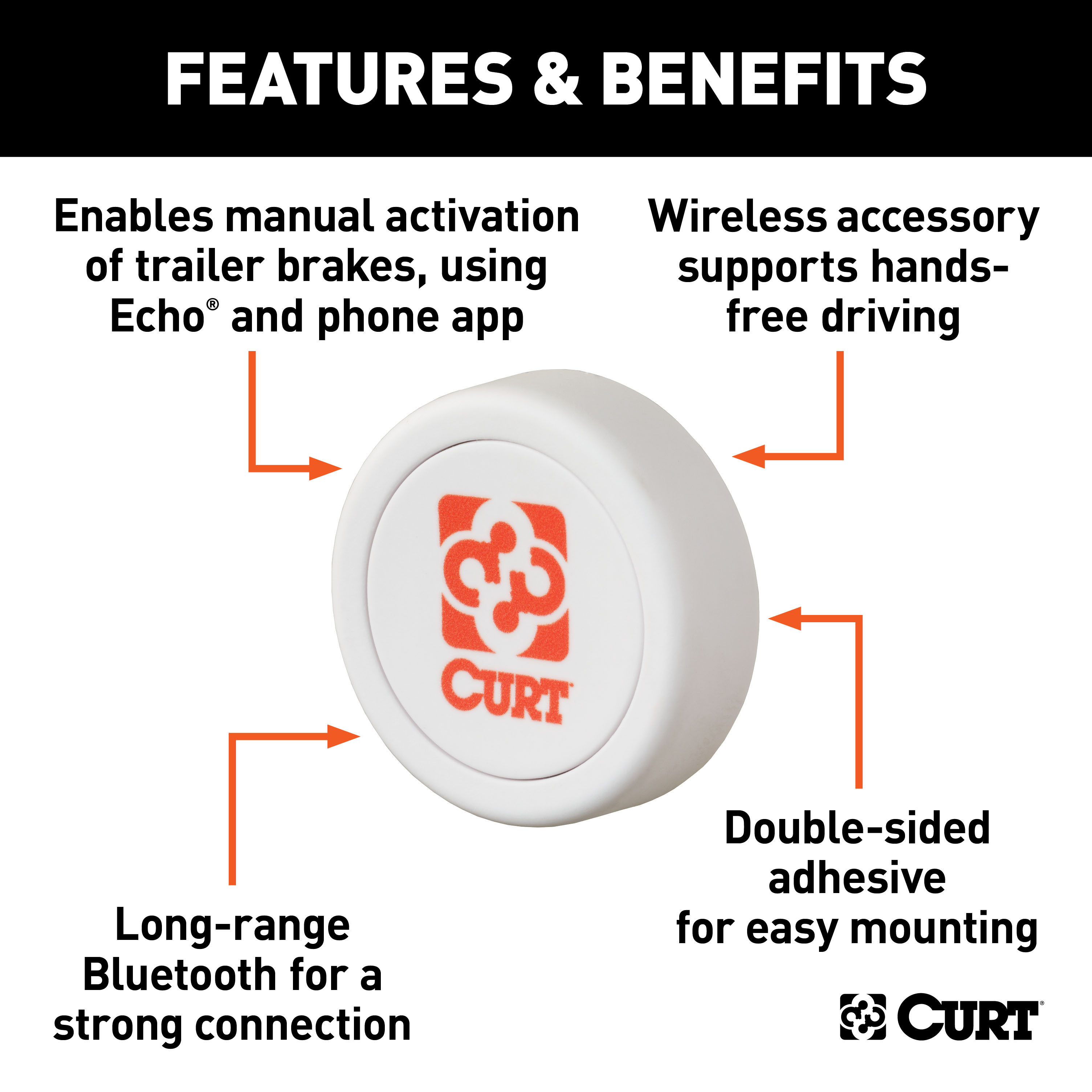
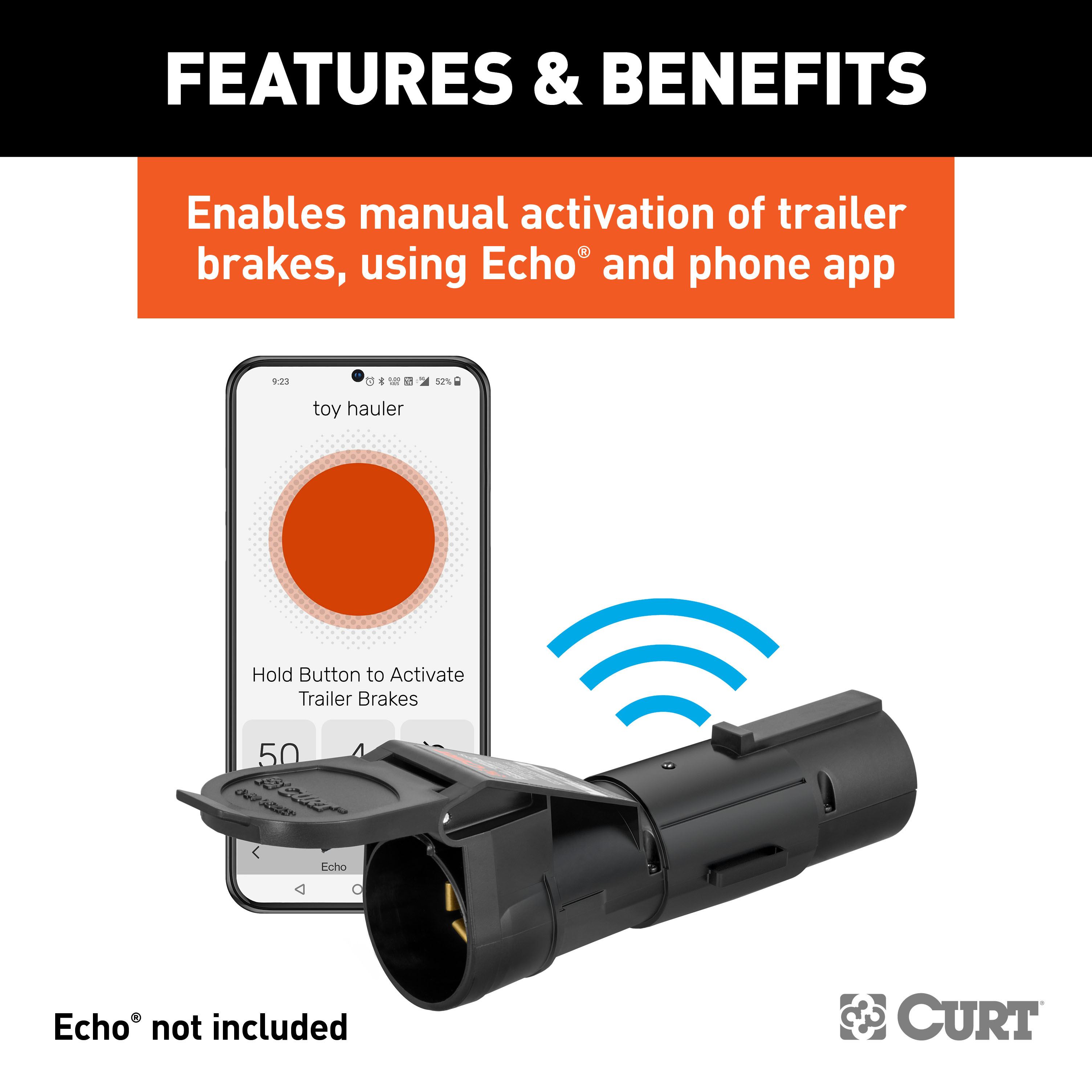
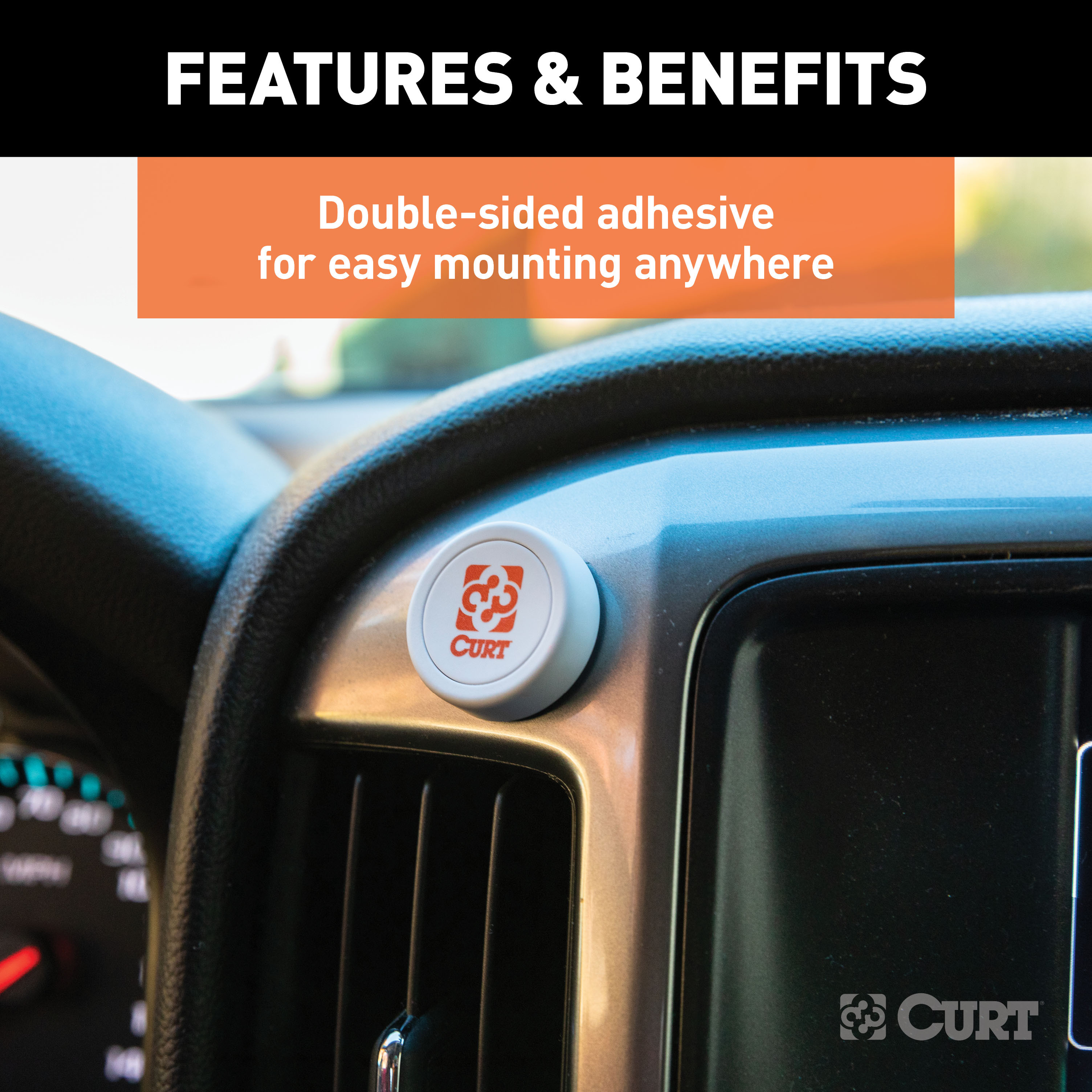
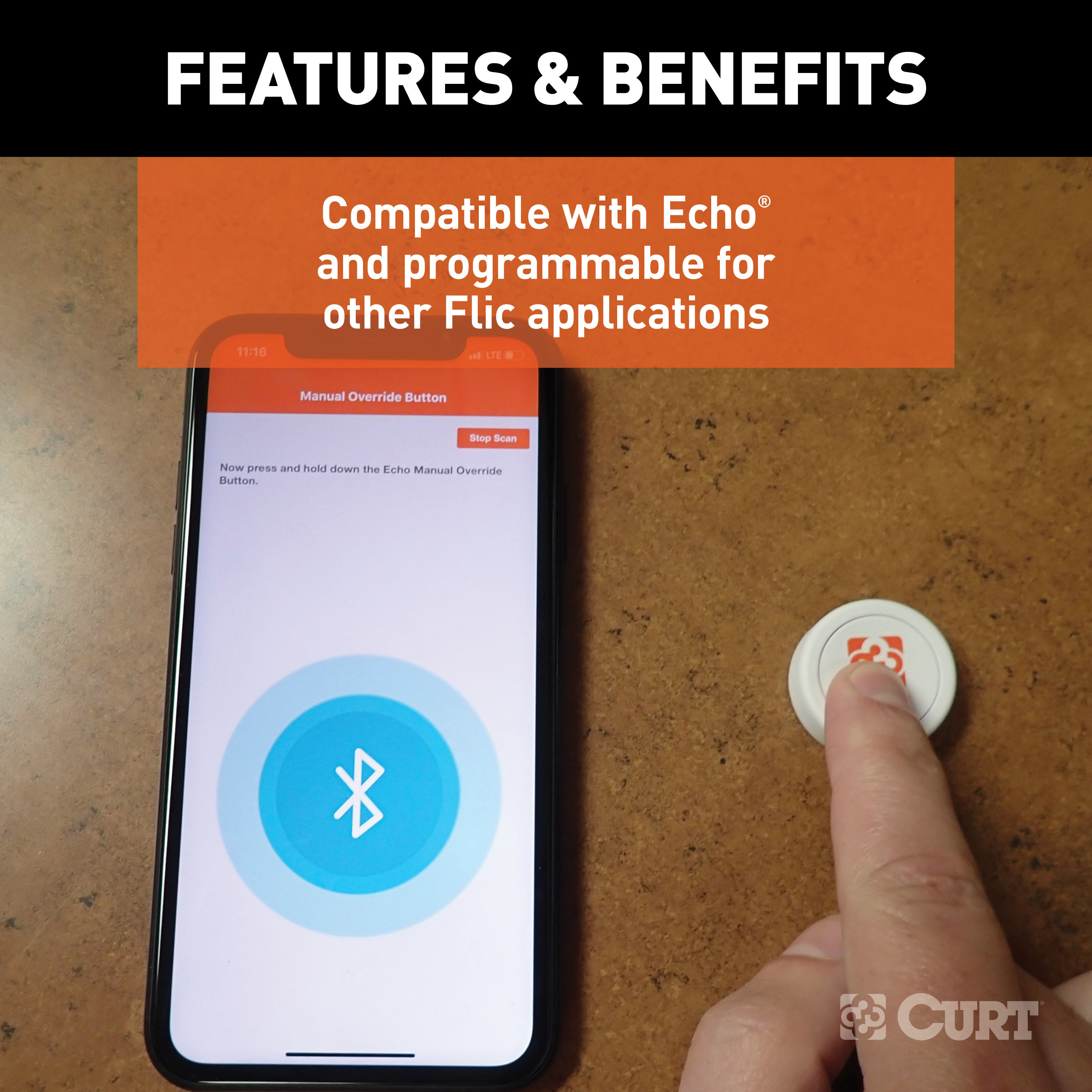
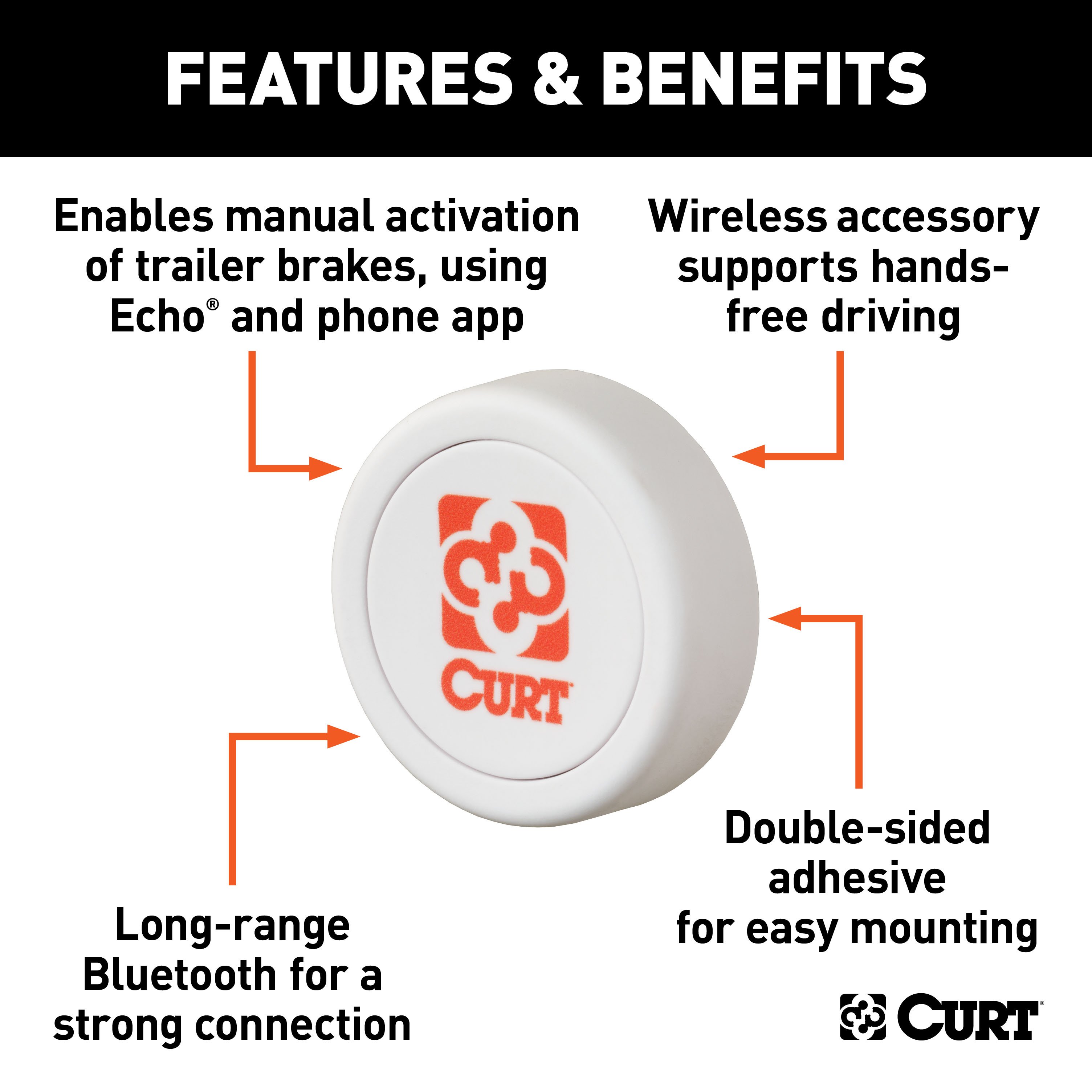
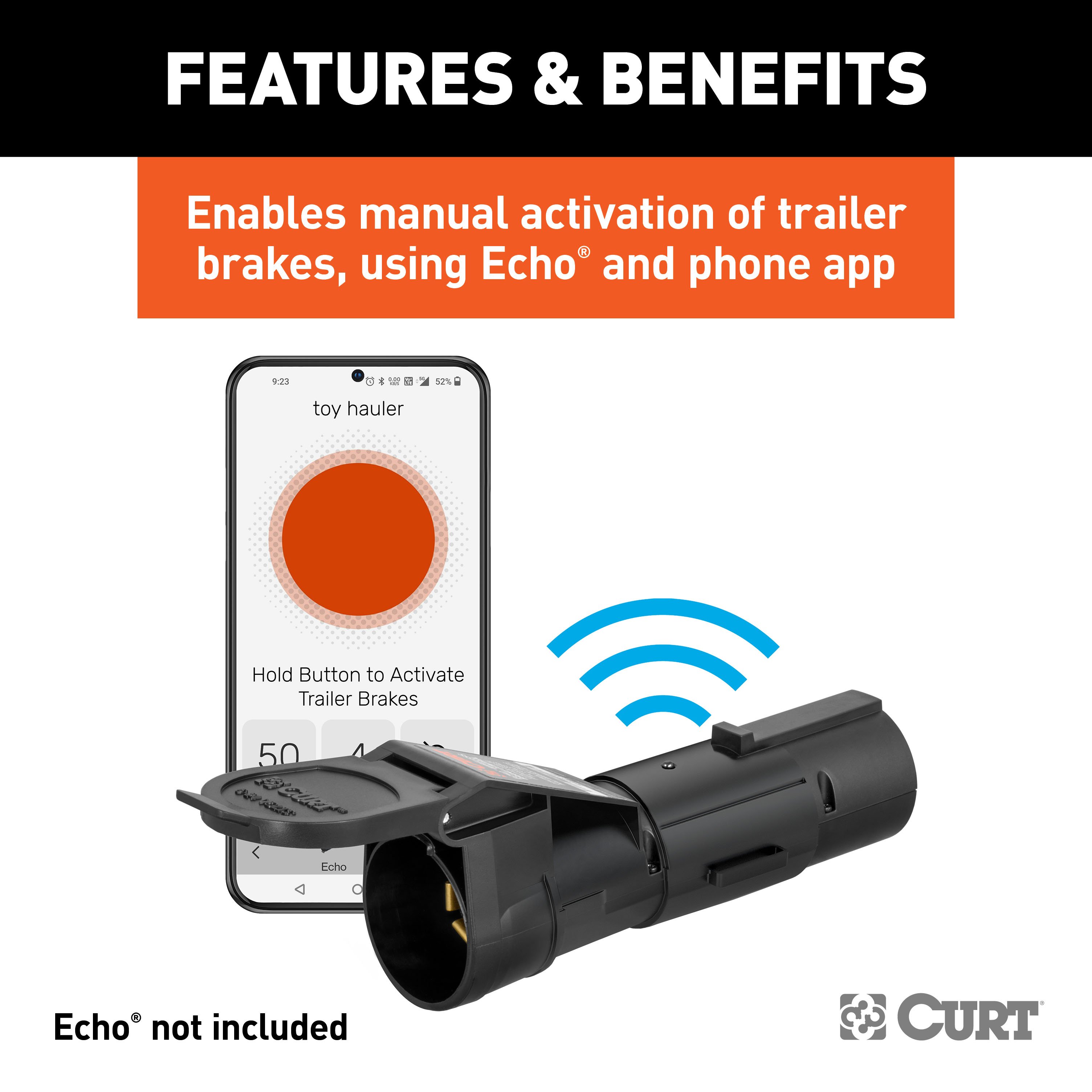
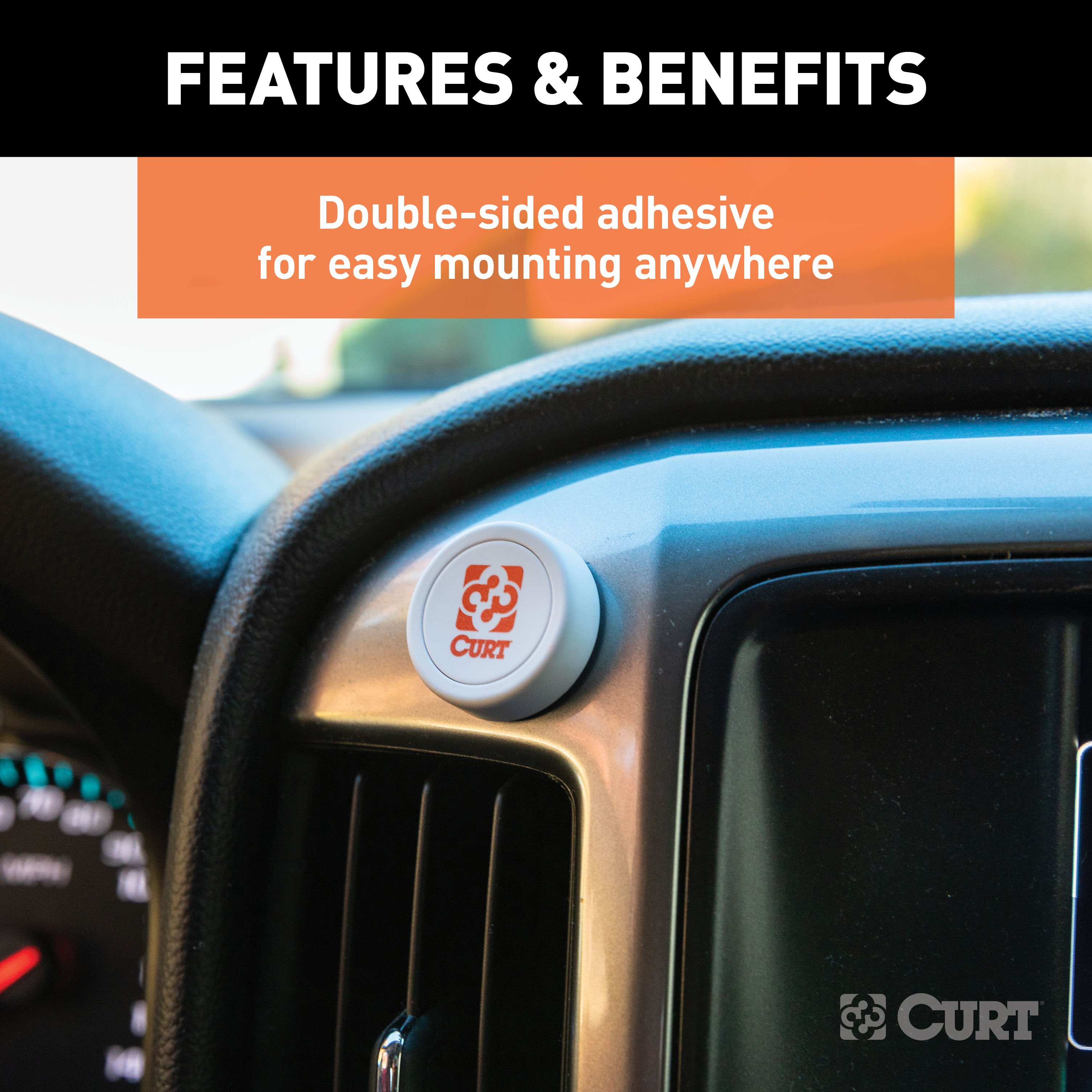
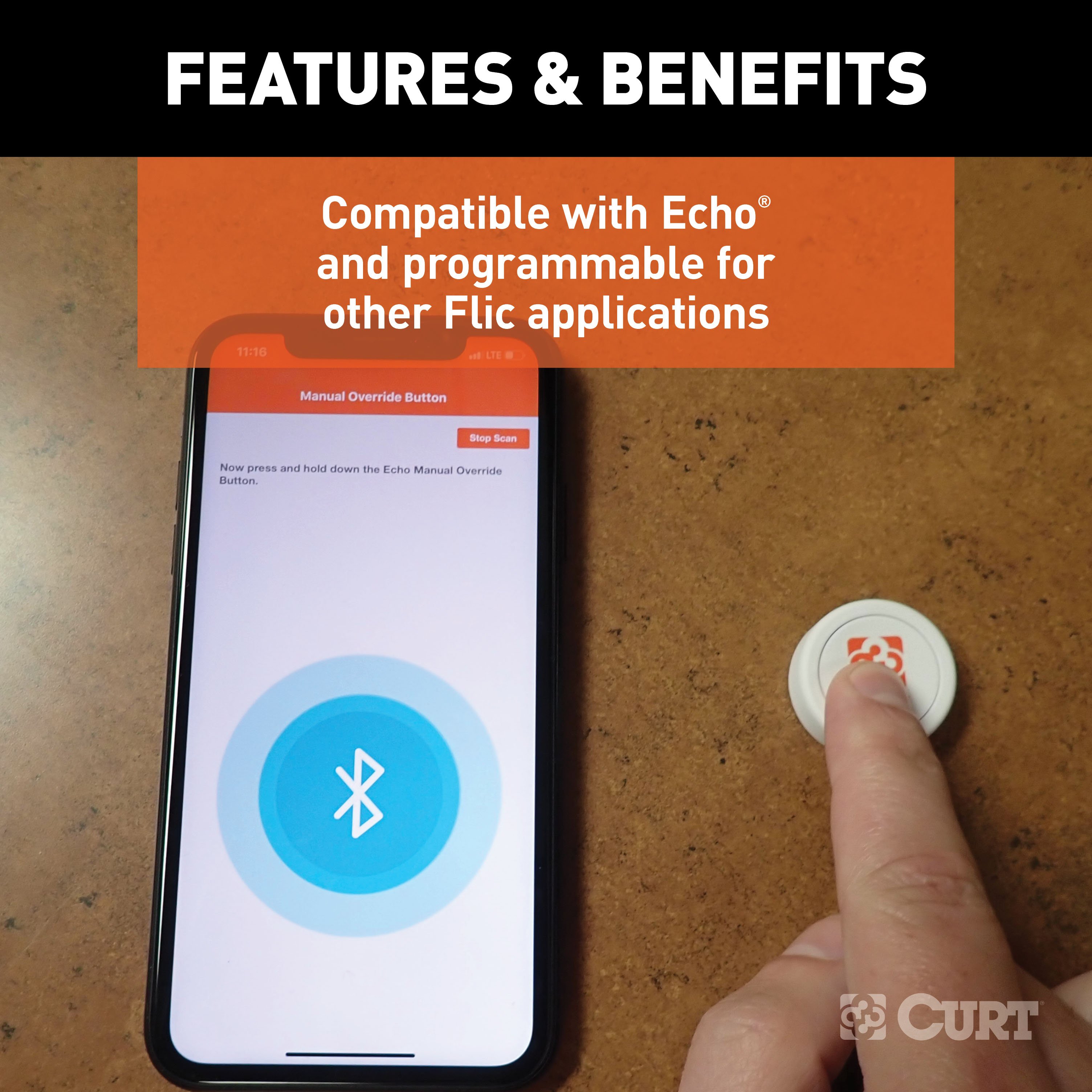
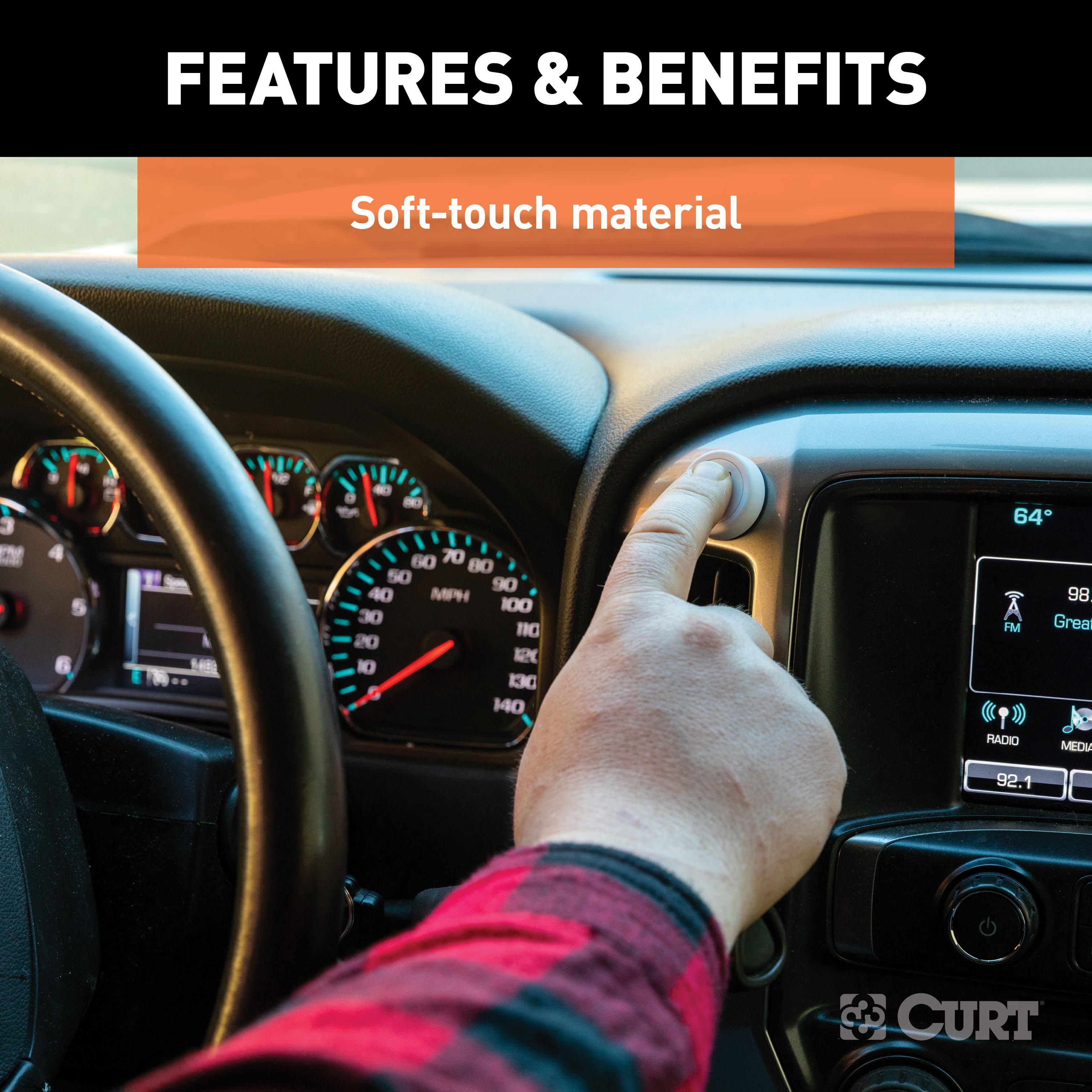
The CURT Echo brake controller manual override button promotes a hands-free driving experience with any CURT Echo brake controller. It synchronizes with the Echo and your smartphone, using Bluetooth. Then, with the press of a button, you can manually activate the trailer brakes, whenever needed. This allows you to use the Echo brake controller for towing even if local laws restrict the use of smartphones while operating a vehicle. With this button, the Echo continues to operate normally, using the Smart Control app. However, instead of using the app interface to manually activate the trailer brakes, the driver uses this Bluetooth button (app must be running for button to operate). It features a long-range Bluetooth signal and is programmable with other Flic applications. The button also takes up very little space on your dash, featuring a diameter of 1-1/8 inches. It comes with a double-sided adhesive pad for immediate installation in your vehicle, and it has a replaceable CR2016 battery with a three-year lifespan.

CURT offers a variety of high-quality trailer hitches and accessories for select vehicle models. Find the perfect fit for your towing needs at TowUniverse.
CURT, a Lippert brand, offers a complete line of towing products and is the leading manufacturer of custom-fit trailer hitches. We offer the broadest selection of custom-fit hitches, and each one is designed, welded, and coated in Wisconsin.
CURT is also a leader in flat towing products, as well as 5th wheel, gooseneck, and weight distribution hitches, ball mounts, electrical components, cargo solutions, and other towing accessories.
For everything from passenger cars and vans to full-size pickups and SUVs, CURT is 'The First Name in Towing Products®.'
Experts available to answer your questions
Call 888-634-9494One-Year Limited Warranty
The CURT 51189 is a wireless remote control button that works with the Echo® mobile brake controller. It allows you to manually activate trailer brakes from inside your vehicle using a wireless connection to the Echo® app on your phone. The button is powered by a CR2032 coin cell battery and mounts inside your vehicle using a reusable adhesive sticker.
Yes. The 51189 override button is designed to work only with the Echo® mobile brake controller. You must first install and pair the Echo® brake controller to the app before you can pair the override button. The button is a wireless accessory that extends the functionality of the main brake controller.
No tools are required. The 51189 comes with a reusable adhesive sticker and mounts directly inside your vehicle without drilling, fasteners or tools.
The package includes one Echo® manual override button and one reusable adhesive sticker. The button is powered by a CR2032 coin cell battery, which is included.
Mount the button in a safe and convenient location inside your vehicle where you can operate it easily while driving. Do not place it over vehicle safety devices such as airbags, vehicle indicators or displays. Clean the mounting surface before adhering the button. The button comes with a reusable adhesive sticker on its base.
1. First, install and pair the Echo® mobile brake controller to the app following its instructions. 2. In the app, select 'Open Button' and choose 'Echo® Manual Override Button' from the screen. 3. Select the pair device button in the app. While the app is scanning, press and hold the manual override button. 4. When 'Pairing Successful' appears, select 'Next' to complete pairing. If 'Device Not Found' appears, repeat step 3. The button will then show stopping power on the brake activation ring as you press it.
Clean the mounting surface inside your vehicle. Peel off the protective film from the reusable adhesive sticker on the button's base. Press the button firmly onto the clean, dry surface in a safe and convenient location. The adhesive will hold the button in place. If you need to reposition it, peel the button and adhesive off the surface rather than pulling to avoid damage.
The button uses a CR2032 coin cell battery. To replace it: 1. Stick the button to a surface and twist it to the left to open the battery hatch. 2. Remove the old battery and insert a new CR2032 battery with the '+' side facing towards you. 3. Place the top part back onto the bottom and twist to the right until it clicks and the adhesive releases. Battery life will be shortened with heavy usage and extreme conditions.
Do not use the button in temperatures below -4°F (-20°C) or above 129.2°F (54°C). Operation outside this range may cause malfunction or damage.
No. The button is rated as splash-proof only. Do not submerge it or attempt to use it underwater, as this will cause irreversible damage that is outside the warranty. Clean it with a damp cloth only; do not use chemical or abrasive cleaning products.
The button contains a lithium battery. Never swallow, charge, heat, expose to open flames, moisture or liquid. Never attempt to disassemble, reverse the polarity or short circuit the battery. Improper handling could lead to distortion, leakage, overheating, explosion or fire, causing personal injury. When disposing of used batteries, remove them in advance or dispose of the entire product in an electronics waste bin per the WEEE directive. Follow any national or local battery disposal regulations.
No. The button is not a toy. It contains small parts and accessories that present a choking hazard. Keep it away from children and pets.
After pairing the button to the app, test it by pressing the override button and observing the brake activation ring on the 'Active Profile' screen in the app. The ring will display the stopping power being applied to the brakes. You can also connect a properly wired trailer to verify proper brake function.
Clean the button with a damp cloth only. Do not use chemical or abrasive cleaning products, as these will damage the button. If you need to clean the reusable adhesive sticker, remove it from the button's base, rinse it with water, rub carefully and rinse again. Do not apply solvents, chemicals or abrasive products to the adhesive. Let it air-dry and it will return to its initial state and be ready to adhere again.
Peel the button and adhesive off the surface rather than pulling to avoid damage to the mounting surface. Once removed, you can clean the reusable adhesive by rinsing it with water, rubbing carefully and rinsing again. Let it air-dry completely. Do not use solvents or chemicals on the adhesive. Once dry, it will be ready to adhere to a new location.
In the app, navigate to the 'Echo® Manual Override Button' status screen and select the 'Disconnect / Forget' button. This will unpair the button from the app.
The override button will continue to operate on any screen within the app or if the device screen is off, as long as the app is still running in the background. However, you will only see the manual brake activation ring and stopping power display while on the 'Active Profile' screen. If you close and reopen the app, you must press the override button to reactivate and pair to your phone again.
No. The 51189 is a wireless accessory that requires the Echo® mobile brake controller to be installed and paired to the app first.
No tools are required. The button mounts using a reusable adhesive sticker with no drilling or fasteners.
No. Mount it in a safe, convenient location where you can operate it while driving. Do not place it over airbags, vehicle indicators or displays.
The button uses a CR2032 coin cell battery. Replace it by twisting the button to the left to open the hatch, inserting a new CR2032 with the '+' side facing you, and twisting back to the right until it clicks.
Do not use below -4°F (-20°C) or above 129.2°F (54°C).
Pairing was unsuccessful. Repeat the pairing process: select the pair device button in the app, and while the app is scanning, press and hold the manual override button. Wait for the 'Pairing Successful' notification to appear, then select 'Next' to complete pairing.
If you close and reopen the app, you must press the override button to reactivate and pair to your phone again. The button will not automatically reconnect after the app is closed.
Ensure the mounting surface is clean and dry before adhering the button. If the adhesive has lost its stickiness, remove the button and adhesive, rinse the adhesive with water, rub carefully and rinse again. Let it air-dry completely—it will return to its initial state and be ready to adhere again. Do not use solvents or chemicals on the adhesive.
Free Shipping
Ships free on all orders
 Authorized Dealer

Quick Ship
In stock and ready to ship — order now!
Shipping from Eau Claire, WIFREE SHIPPING
Estimated delivery Sun, Sep 27 - Tue, Sep 29
Order before 2 PM EST Monday–Friday for same-day processing
Guaranteed safe & secure checkout
No reviews have been added for this product.