
CURT 7-Way RV Blade Trailer Brake Controller Tester Trailer Wire TesterCURT$544.08Out of Stock
View productOur in-house experts typically reply within one business day.

Tekonsha


Always the correct part
We know our products
Quality Products
Free Shipping!
Always the correct part
We know our products
Quality Products
Free Shipping!

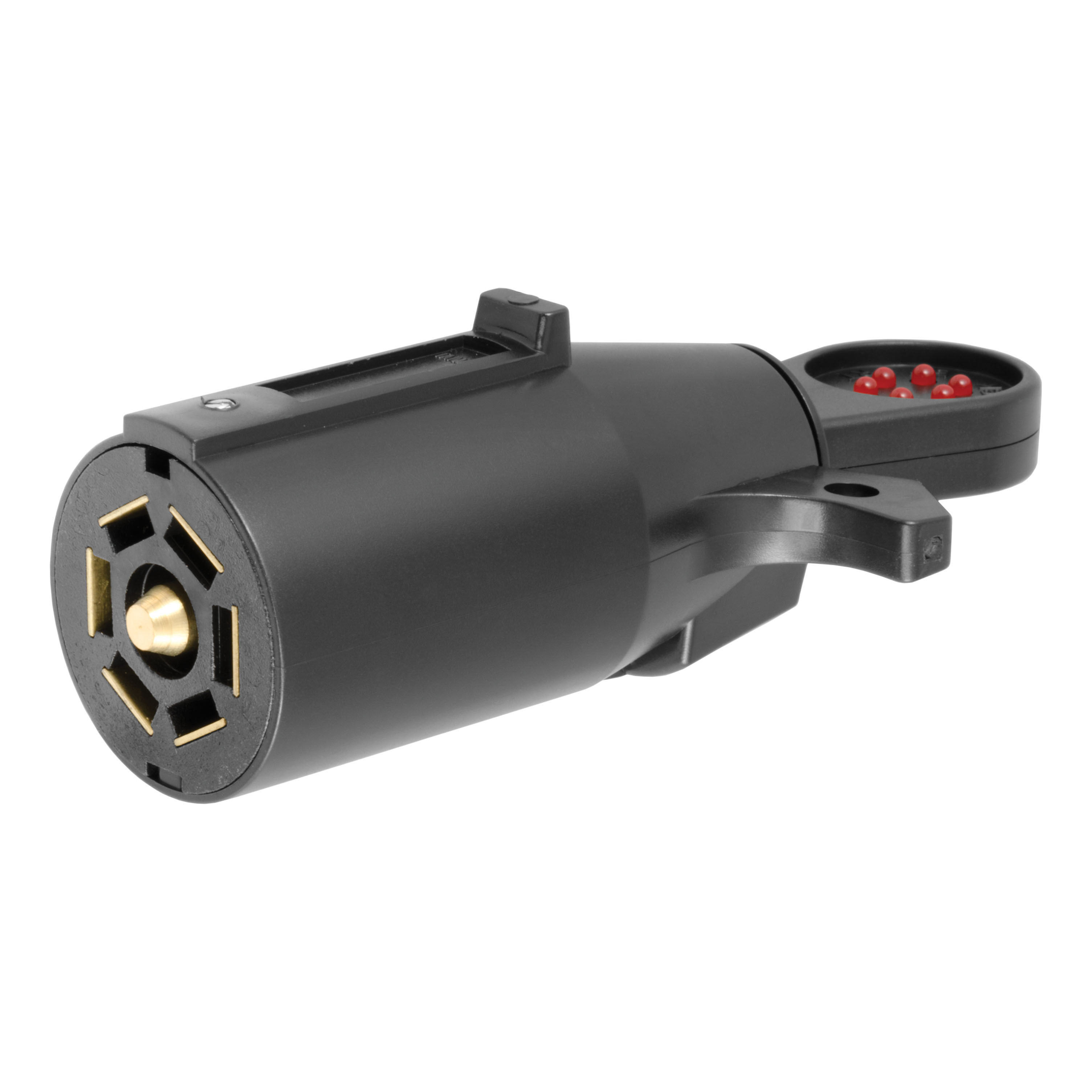
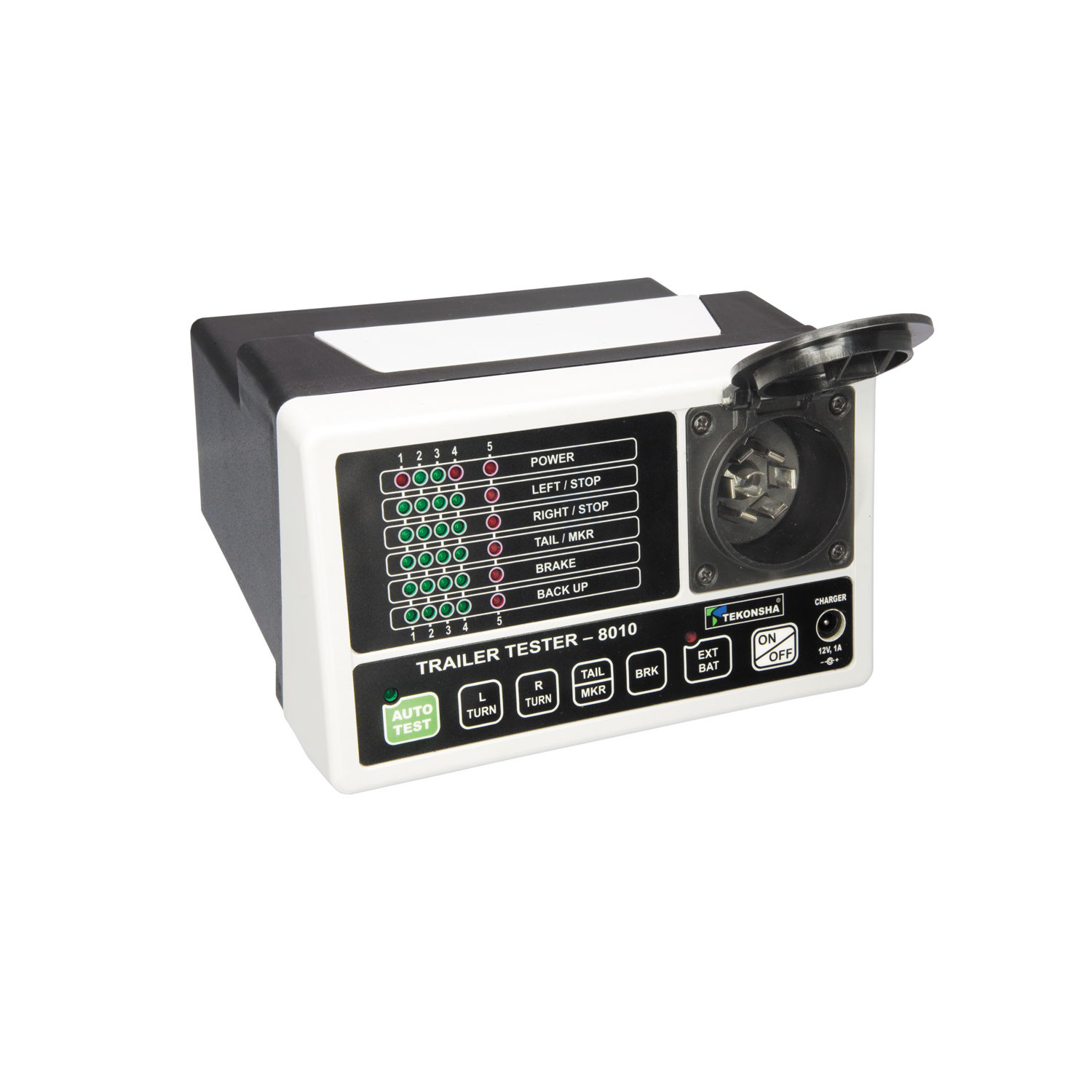
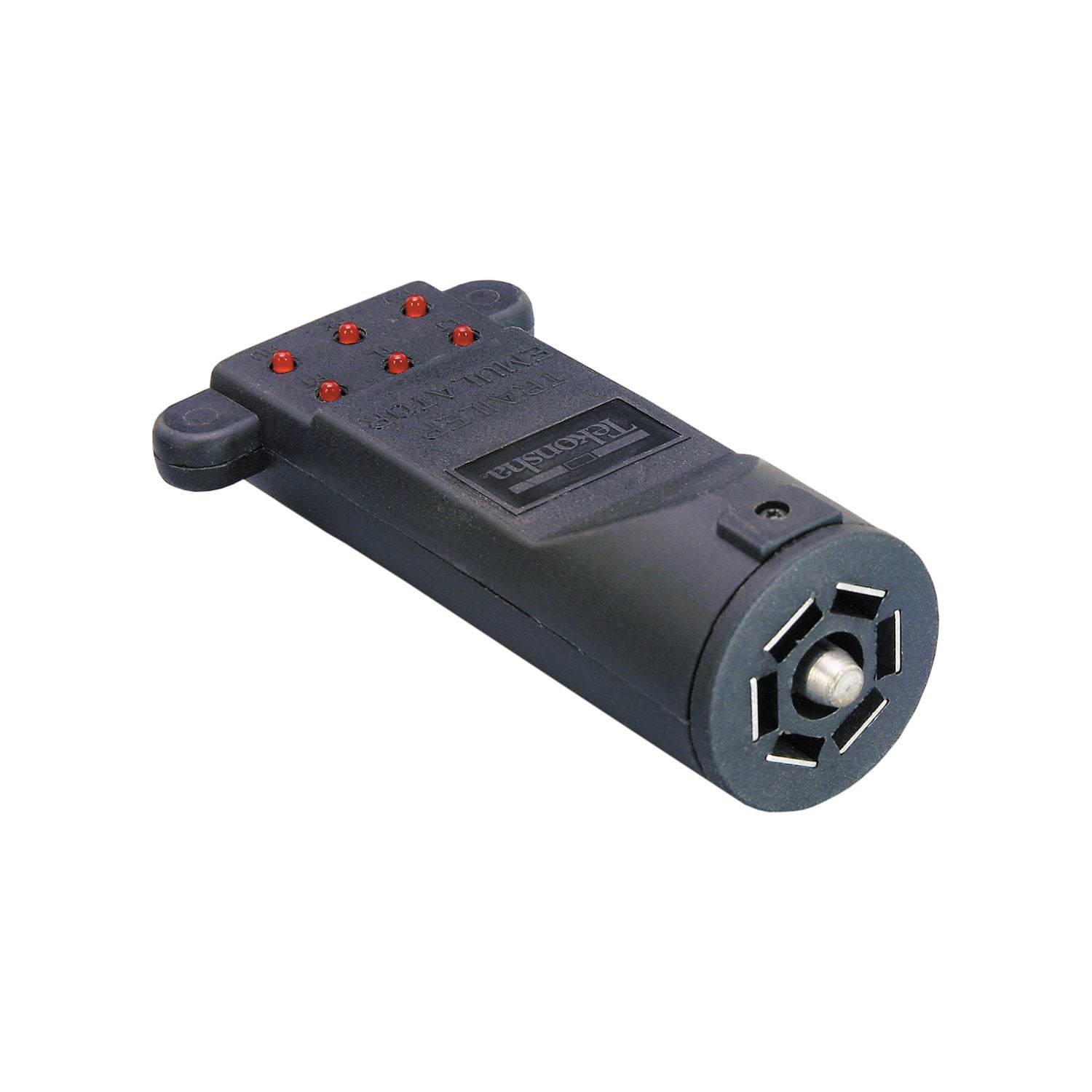
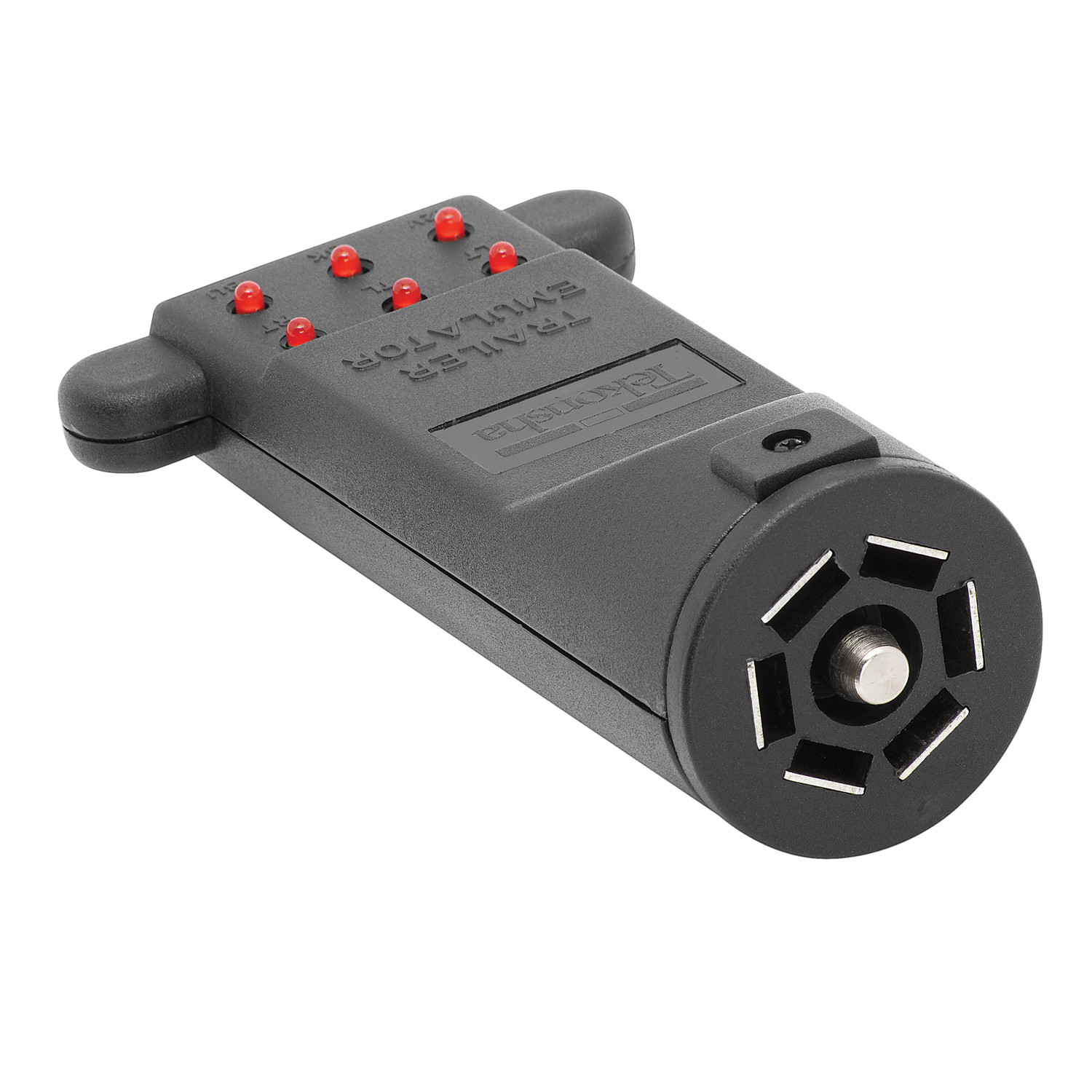
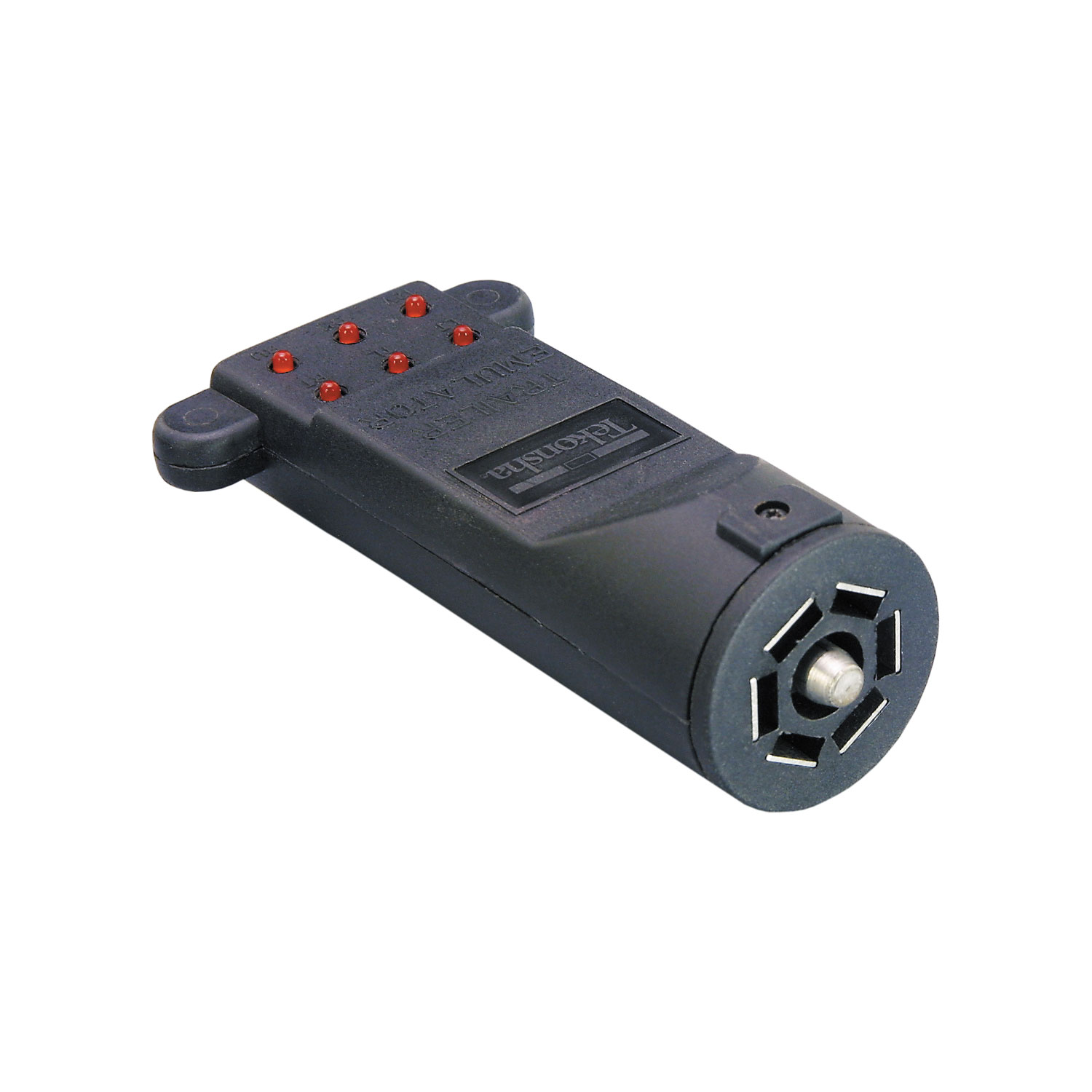
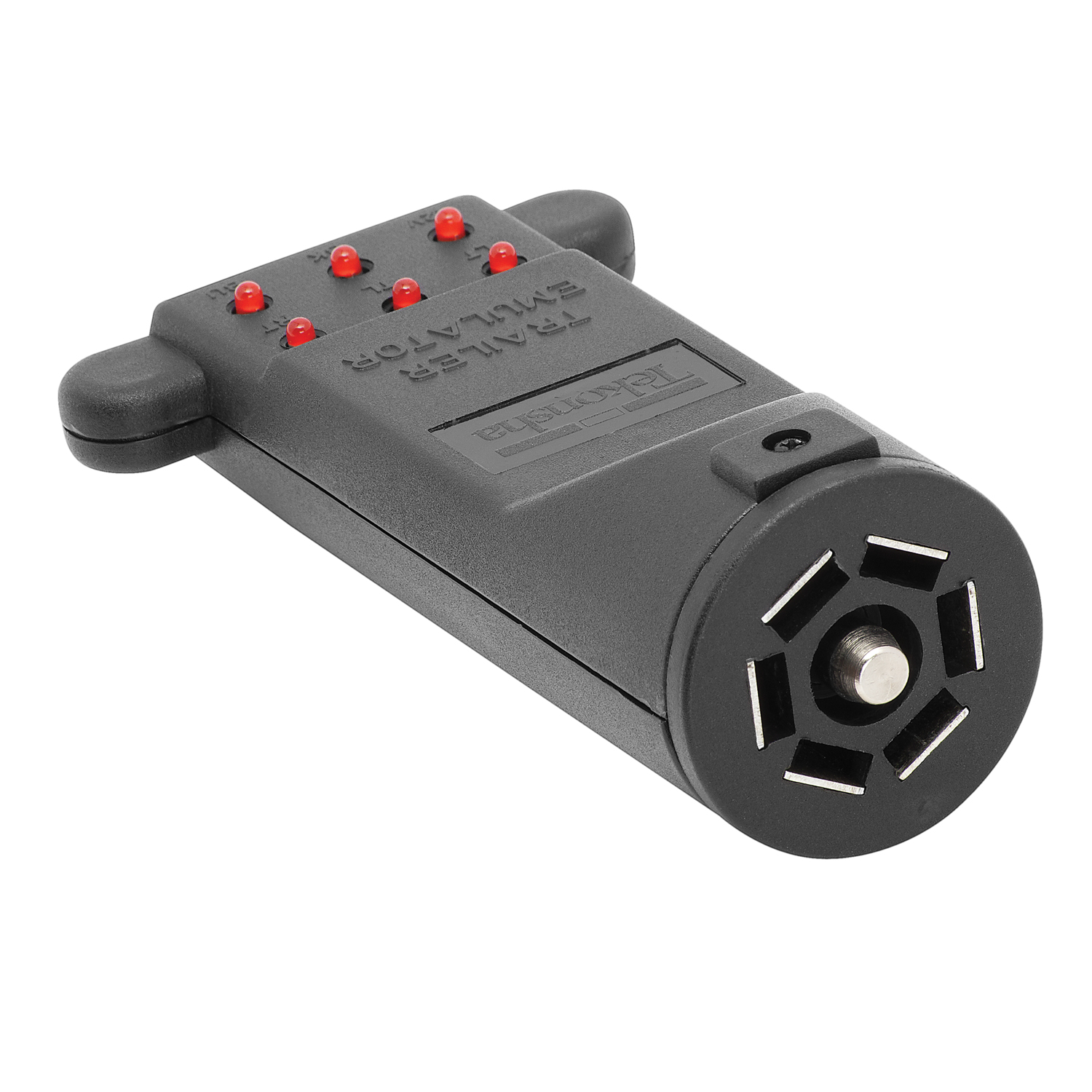
7-way Trailer Emulator is used for the proper installation and set-up of a brake control when a trailer is not readily available. Brake control set-up is accomplished using a built-in load module that will simulate electric magnet brakes on a trailer. (The emulator will also check electrical continuity of all circuits in the 7-Way blade style connector.)
| BRAND: | TEKONSHA |
| PART NUMBER: | 6562 |
| WARRANTY: | LIMITED 1 YEAR WARRANTY |
| WEIGHT: | 0.29 LBS |


Tekonsha is a leading manufacturer of electronic trailer brake controllers, pioneering the category in the 1970s. The lineup spans proportional units such as the Prodigy P3 and Prodigy iD, time-delayed controllers, the wireless Prodigy RF, plus vehicle-specific wiring harnesses, adapters and trailer brake components engineered for smooth, predictable stopping at any speed.
Tekonsha Engineering Company began in 1964 building RV steps and mirrors. Within a few years it had found its real calling, and by the 1970s Tekonsha was pioneering the manufacture of electronic trailer brake controllers, the product category that still defines the brand. More than half a century later it remains the reference name in trailer braking and is part of the Horizon Global group alongside Reese, Draw-Tite, Fulton, Bulldog and Wesbar.
A brake controller is the component that tells a trailer's electric brakes how hard to work and when, and getting that right is the difference between a controlled stop and a shove from behind. Tekonsha builds both major types. Proportional controllers use an internal accelerometer to sense how quickly the tow vehicle is slowing and apply trailer braking to match, so light braking stays light and hard braking is immediate. Time-delayed controllers ramp to a preset output over a fixed interval, a simpler and more economical approach that suits occasional towing.
The current brake controller range covers most of that ground. The Prodigy iD pairs with a phone through Tekonsha's EDGE technology for setup and monitoring, the P3 offers storable settings for multiple trailers and a trilingual colour LED display, the Prodigy P2 adds a dimmable display and boost mode for heavier loads, and the Voyager keeps operation simple and dependable. The Prodigy RF mounts to the trailer itself and controls wirelessly, which suits rental fleets and drivers who swap tow vehicles.
Installation is supported by vehicle-specific brake control harnesses that plug into a factory connector rather than requiring cut-and-splice wiring, along with mounting brackets and adapters. Matched controller bundles pair a unit with the correct harness. Products are tested to meet and often exceed published industry standards.
Experts available to answer your questions
Call 888-634-94941 Year
The Trailer Emulator is a testing device that simulates a trailer's electrical load to verify that your tow vehicle's brake control and trailer wiring circuits are functioning correctly. It connects to your vehicle's trailer plug and displays the status of key circuits via indicator lights: 12V power, left turn (LT), right turn (RT), tail/running lights (TL), backup lights (BU), and electric brake (BK) signals.
The Trailer Emulator is compatible with the following Tekonsha brake controls: Prodigy (90185), Primus (90155, 90155-CLR), DigiTrac II (80750), Pilot (80550), Voyager (9030), Voyager XP (9035), AccuTrac (80510), POD (80500), Sentinel (9055), Envoy (9040), and Envoy SX (9045).
The Trailer Emulator requires two connections to function: a ground connection and a 12-volt battery line from your tow vehicle's trailer plug. Both must be properly connected in order to check the electric brake circuit. The 12V indicator light will illuminate as soon as the emulator is connected to the tow vehicle's plug if these connections are correct.
When properly connected, the 12V indicator light on the emulator will illuminate immediately. If the 12V light does not light, check the troubleshooting chart for possible causes: bad ground, incorrect wiring in the tow vehicle connector, or no 12-volt battery power supplied to the connector.
When the Trailer Emulator is connected to the tow vehicle: the 12V light will be lit immediately. The RT (right turn), LT (left turn), TL (tail/running lights), and BU (backup lights) indicator lights will illuminate as those functions are activated on the tow vehicle. The BK (electric brake) light should remain off until the brake control is manually activated or the brake pedal is depressed.
The BK light indicates the status of the electric brake circuit. It should remain off when the emulator is connected but no braking action is occurring. The BK light should illuminate when the brake control is activated, either through the manual slide/touch pad or when the brake pedal is depressed (depending on the brake control model). Note: the Trailer Emulator is not an exact trailer load, so different brake controls may respond differently.
Two methods are available: (1) Vehicle in Motion Method: Connect the emulator, properly adjust the brake control level, drive the vehicle, and apply the brake pedal—the brake control's light should indicate a braking event. (2) Aggressive Level Method: Connect the emulator, properly adjust the brake control level, adjust the Level setting toward Aggressive, and the brake control's light should indicate a braking event. After testing with the Aggressive method, remember to adjust the brake control level back to your desired tow setting.
If the 12V light does not light when connected, check for: (1) bad ground or incorrect wiring in the tow vehicle connector, or (2) no 12-volt battery power supplied to the connector. Verify that both the ground and 12-volt battery connections are secure and properly wired.
If any of the turn signal, tail/running light, or backup light indicators do not illuminate when those functions are activated on the tow vehicle, check for: (1) bad ground or incorrect wiring in the tow vehicle connector, or (2) a loose or poor connection in the circuit being tested. Verify all connections are secure and properly wired.
If the BK light does not illuminate when the manual slide or touch pad is activated but the 12V light is lit, check for: (1) bad ground or incorrect wiring in the tow vehicle connector, (2) poor ground on the brake control (which causes the control to enter limit mode), or (3) gain adjustment on the brake control set to minimum. If the gain is at minimum, adjust it to maximum and retest using the manual slide.
If the BK light does not light when the brake pedal is depressed but the 12V light is lit, the issue may be that Tekonsha's inertia-activated controls require vehicle movement to activate the sensor. Try applying the manual switch instead to see if the BK LED lights. If the manual switch works but the brake pedal does not, the brake control may need to be tested using the Vehicle in Motion Method or the Aggressive Level Method.
With the Trailer Emulator connected and no manual slide activation, the display should show '.c' (indicating connection to the trailer). When the manual slide is activated with the power knob set to full, the display should show varying voltage from 0 to 13.
With the Trailer Emulator connected and no manual slide activation, the brake control's light should display GREEN. When the manual slide is activated, the light should change from GREEN to varying colors of RED.
With the Trailer Emulator connected and no manual slide activation, the Level LED should display GREEN. When the manual slide is activated, the Level light should change color from GREEN to RED, and the other four RED lights should illuminate in progression.
With the Trailer Emulator connected and no manual slide activation, the brake control's light should display GREEN. When the manual slide is activated, the light should change from GREEN to varying colors of RED.
No. The Trailer Emulator is not an exact trailer load, so the light displays on various brake controls will respond differently than they would with an actual trailer connected. This is normal and expected. The emulator is designed to verify that circuits are functioning, not to replicate exact trailer behavior.
The Trailer Emulator is a diagnostic tool that simulates a trailer's electrical load to test your tow vehicle's brake control and trailer wiring circuits. It connects to your vehicle's trailer plug and displays the status of power, turn signals, tail lights, backup lights, and electric brake circuits via indicator lights.
The Trailer Emulator is compatible with Tekonsha brake controls: Prodigy (90185), Primus (90155, 90155-CLR), DigiTrac II (80750), Pilot (80550), Voyager (9030), Voyager XP (9035), AccuTrac (80510), POD (80500), Sentinel (9055), Envoy (9040), and Envoy SX (9045).
The Trailer Emulator requires a ground connection and a 12-volt battery line from your tow vehicle's trailer plug. Both must be properly connected; the 12V indicator light will illuminate immediately when correctly connected.
Connect the emulator to your vehicle's trailer plug. For automatic response testing, use either the Vehicle in Motion Method (drive and apply brake pedal) or the Aggressive Level Method (adjust brake control level toward Aggressive). After testing, return the brake control to your desired tow setting.
Check for bad ground or incorrect wiring in the tow vehicle connector, or verify that 12-volt battery power is being supplied to the connector. Ensure both ground and power connections are secure and properly wired.
Check for bad ground or incorrect wiring in the tow vehicle connector, poor ground on the brake control, or gain adjustment set to minimum. If gain is at minimum, adjust it to maximum and retest.
Symptom: 12V LED is not lit on the Trailer Emulator when connected. Probable causes: (1) Bad ground or incorrect wiring in the tow vehicle connector, or (2) No 12-volt battery power supplied to the connector. Corrective action: Verify that both the ground and 12-volt battery connections are secure, properly wired, and receiving power.
Symptom: LT, RT, TL, or BU LED is not lit on the Trailer Emulator when the corresponding function is activated. Probable causes: (1) Bad ground or incorrect wiring in the tow vehicle connector, or (2) Loose or poor connection in the circuit being tested. Corrective action: Check all connections for security and proper wiring; verify the circuit is functioning on the tow vehicle.
Symptom: BK LED is not lit when manual slide/touch pad is activated, but 12V LED is lit. Probable causes: (1) Bad ground or incorrect wiring in the tow vehicle connector, (2) Poor ground on the brake control causing it to enter limit mode, or (3) Gain adjustment on the brake control set to minimum. Corrective action: Check ground and wiring; if gain is at minimum, adjust it to maximum and retest using the manual slide.
Symptom: BK LED is not lit when brake pedal is depressed, but 12V LED is lit. Probable cause: Tekonsha's inertia-activated controls require vehicle movement to activate the sensor. Corrective action: Apply the manual switch to see if the BK LED lights. If the manual switch works but the brake pedal does not, test using the Vehicle in Motion Method (drive and apply brake) or the Aggressive Level Method.
Free Shipping
Ships free on all orders
 Authorized Dealer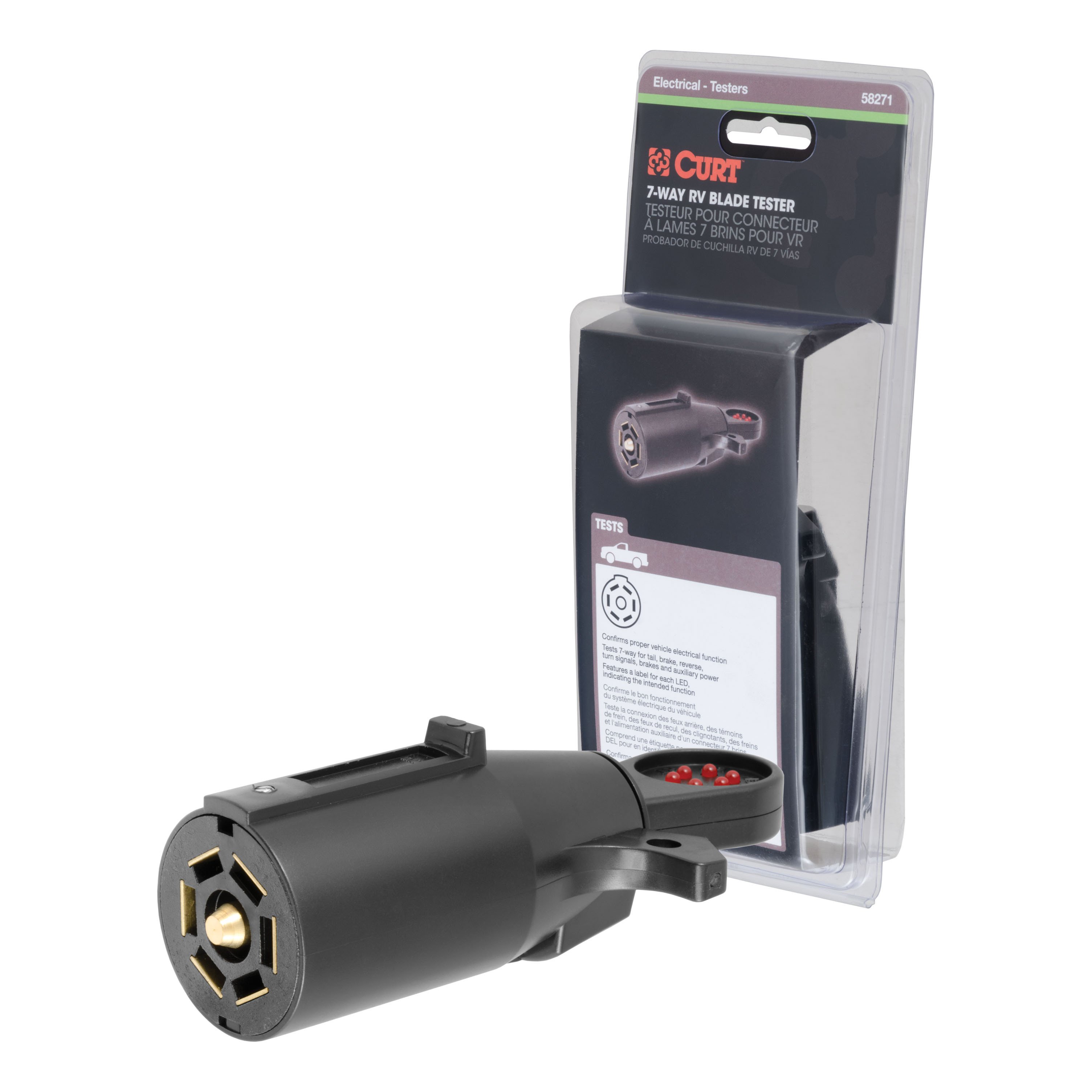
FREE ShippingFREE SHIPPING
Estimated delivery Mon, Nov 2 - Thu, Nov 5
Order before 2 PM EST Monday–Friday for same-day processing
Guaranteed safe & secure checkout
Ann
Ordered online. Shipment arrived on time and with all the correct parts. Great customer service and friendly staff. Also, pricing was great!
May 22, 2023